
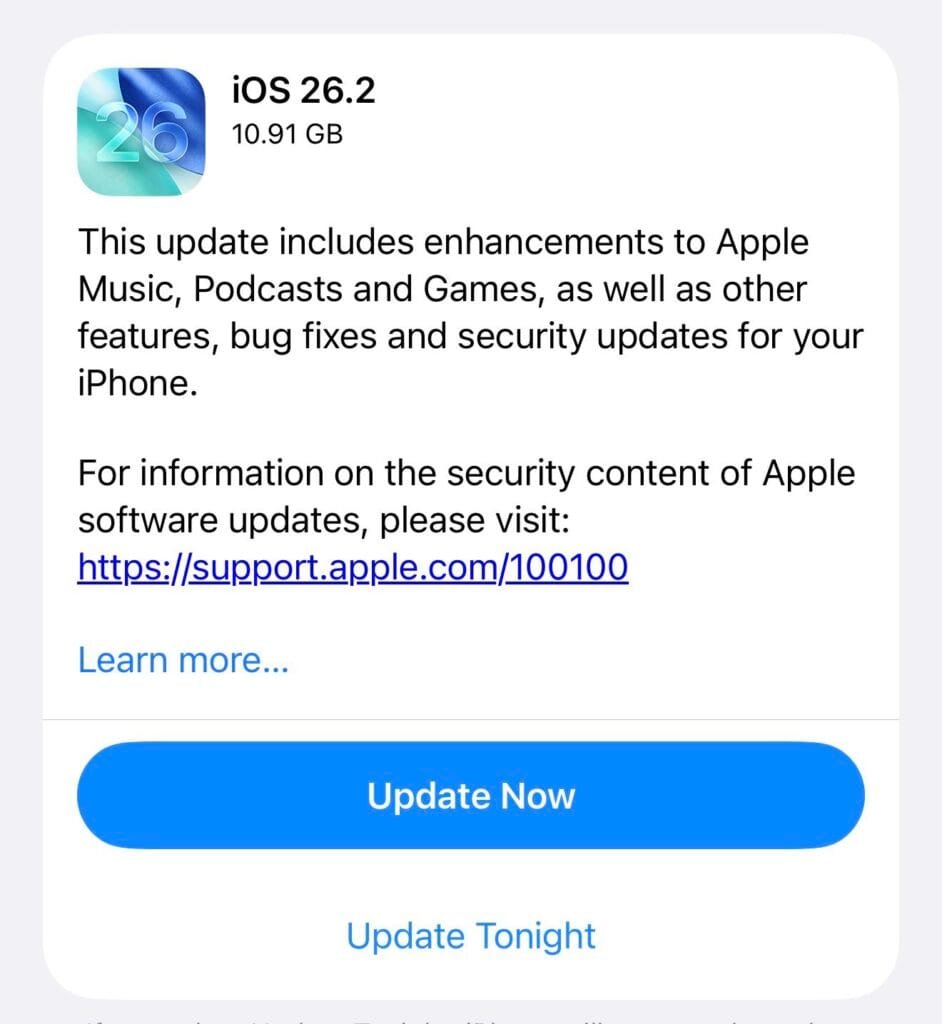
Apple has officially rolled out iOS 26.2 for iPhone users. The update, which comes in at around 3.76 GB, introduces a wide range of changes across Apple Music, Podcasts, Games, system design, accessibility, and security. Alongside multiple bug fixes, iOS 26.2 further refines the Liquid Glass interface introduced with iOS 26 and adds several practical improvements that affect everyday use.
What’s new in iOS 26.2
Apple Music receives noticeable usability updates with iOS 26.2. The Favorites Songs list is now surfaced directly in the Top Picks section on the Home tab, making it easier to access frequently played tracks. Offline lyrics support has also been added for downloaded songs, allowing users to view lyrics without an internet connection.
In the Podcasts app, Apple improves content discovery. Links to podcasts mentioned within an episode now appear directly in the player interface and episode descriptions. This makes it possible to explore and follow referenced podcasts without leaving the app.
The Games experience is also updated. New filters in the game library allow titles to be sorted by category, file size, and additional criteria. In-game challenge and progress scores now refresh in real time. Support for external controllers, including Backbone and Razer accessories, has been expanded to improve compatibility and responsiveness.
Liquid Glass continues to evolve in iOS 26.2 with new customization options. A new Lock Screen clock customization setting has been added, and users can now fine-tune the transparency level of the Liquid Glass effect, making the interface appear more or less opaque. Menu and button animations have also been refined, resulting in smoother transitions across the system.
Reminders gains deeper integration with Alarms. Urgent tasks are easier to manage thanks to improved alert handling, while snooze options and Live Activities support help keep important reminders visible even when they cannot be addressed immediately.
AirDrop security has been strengthened with an additional verification step. Transfers now require a confirmation code displayed on the receiving device, adding an extra layer of protection when sharing files with unknown users.
The Home app introduces a simplified process for adding multiple accessories at once. Users can now register several accessories together using the same setup code, making smart home configuration faster and more consistent.
Accessibility settings have also been expanded. A new option under Flash Alerts allows the iPhone screen to briefly flash when notifications arrive, providing an additional visual cue for users who rely on visual alerts.
Freeform receives improvements to tables and the infinite canvas layout. Text, images, documents, and drawings are now dynamically resized to better fit available space, improving organization when working on large boards.
In addition to new features, iOS 26.2 fixes an issue that prevented some Apple Music pre-release albums from playing immediately at launch. A bug that could incorrectly label a device as being managed by an organization under Privacy & Security settings has also been resolved.
Alongside these changes, iOS 26.2 includes performance optimizations and important security updates. The update is available now via Settings > General > Software Update.
iOS 26.2 supported iPhone models:
- iPhone 16e
- iPhone 16
- iPhone 16 Plus
- iPhone 16 Pro
- iPhone 16 Pro Max
- iPhone 15
- iPhone 15 Plus
- iPhone 15 Pro
- iPhone 15 Pro Max
- iPhone 14
- iPhone 14 Plus
- iPhone 14 Pro
- iPhone 14 Pro Max
- iPhone 13
- iPhone 13 mini
- iPhone 13 Pro
- iPhone 13 Pro Max
- iPhone 12
- iPhone 12 mini
- iPhone 12 Pro
- iPhone 12 Pro Max
- iPhone 11
- iPhone 11 Pro
- iPhone 11 Pro Max
- iPhone SE 3. Nesil
- iPhone SE 2. Nesil

